Pan-demonium
Every night, when the broken wall clock strikes a lucky hour, the kitchen comes alive.
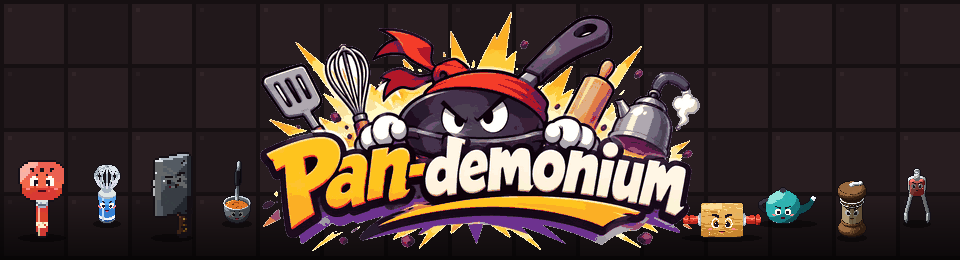
PAN-DEMONIUM is a kitchen-tool boss brawler. You are a spatula; the Whisk, the Rolling Pin, the Frying Pan, the Kettle, the Cleaver, the Ladle, the Pepper Mill and the Tongs want the counter for themselves. Each boss has its own moves, its own minions and an ultimate, while the chef floods the sink, lights the burners and turns the lights out around you.
Survive by chance. Fight by choice.
Your lucky number
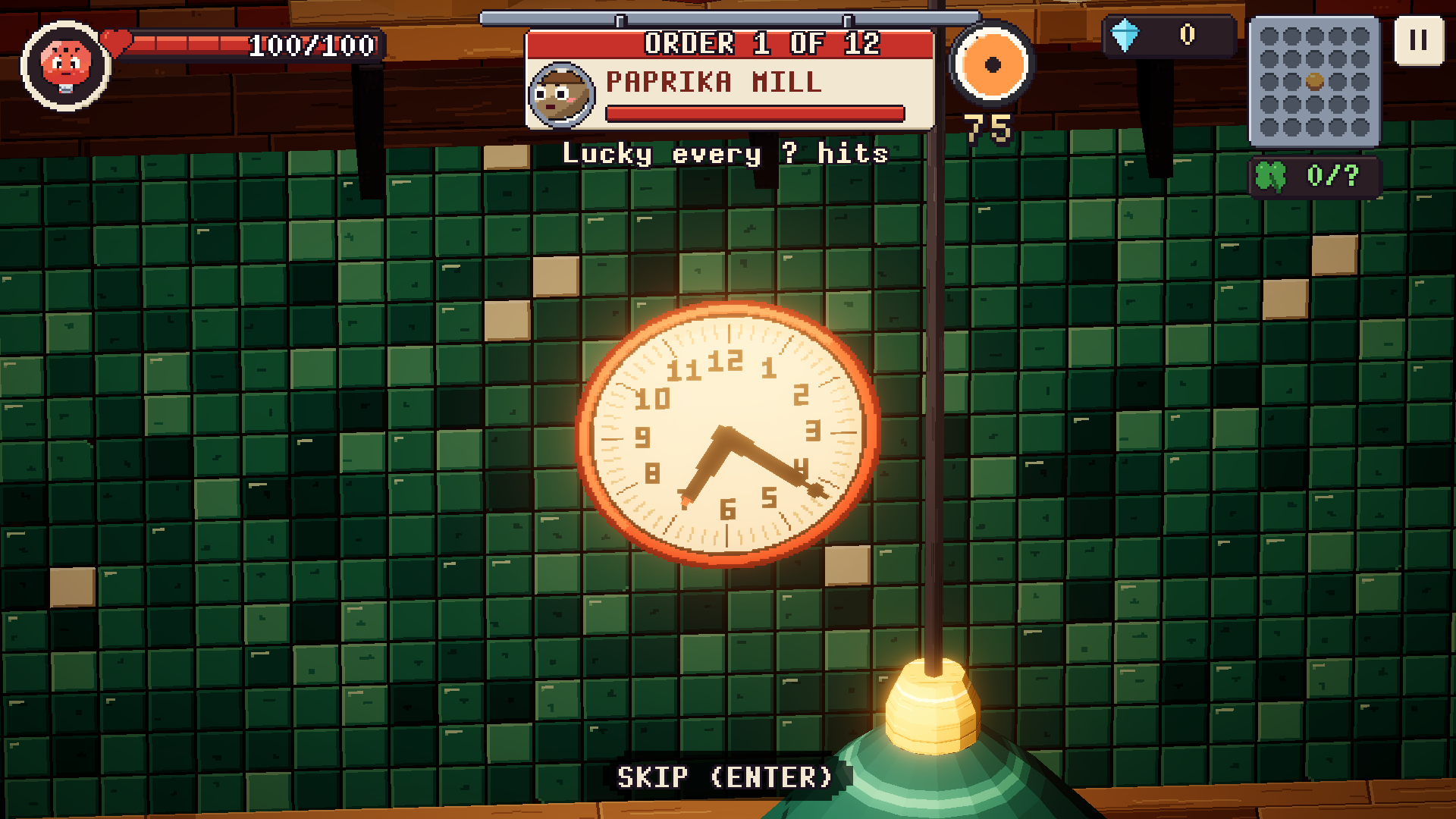
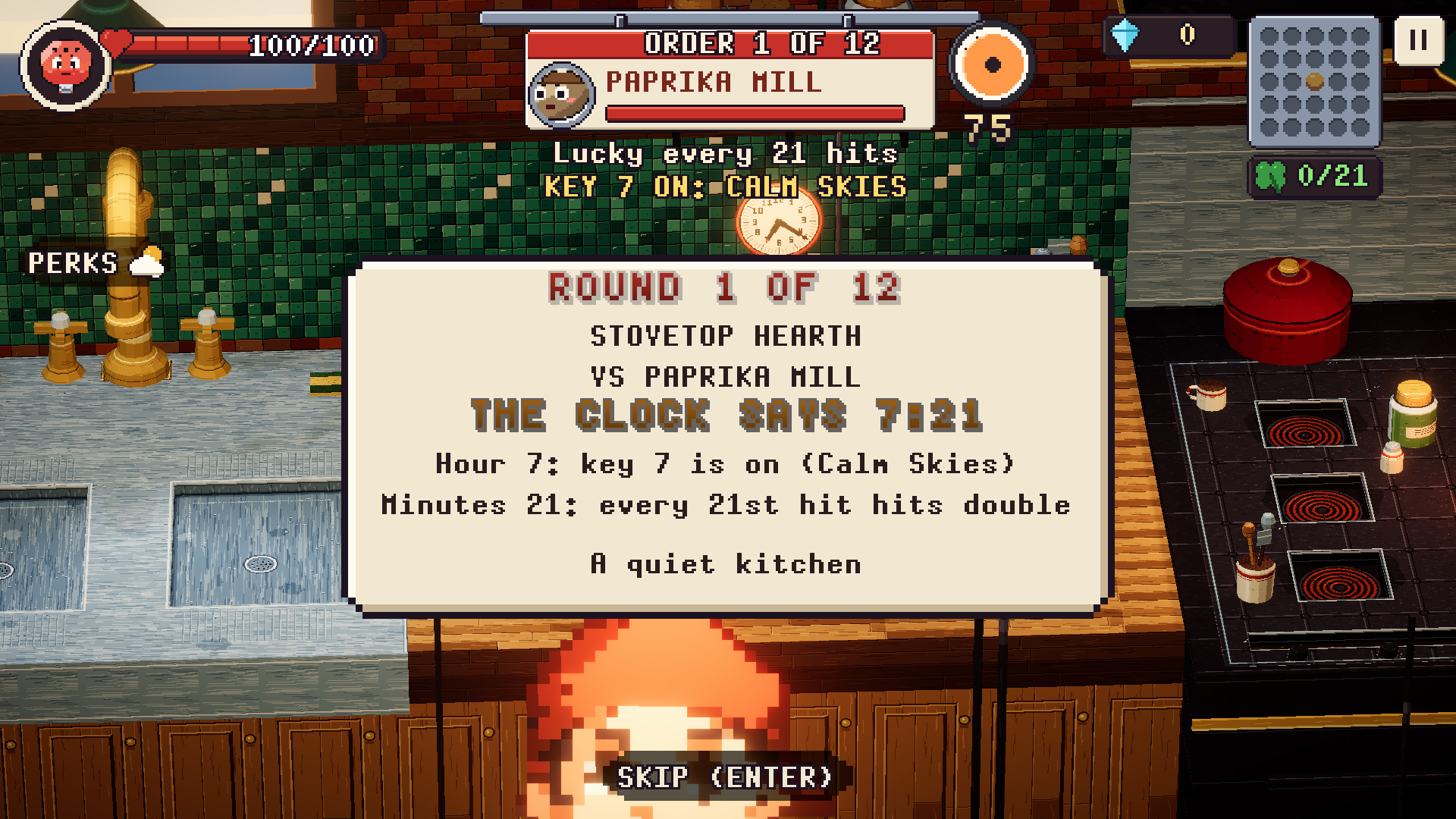
Before every round the camera stops on the clock on the wall and its hands spin to a random time.
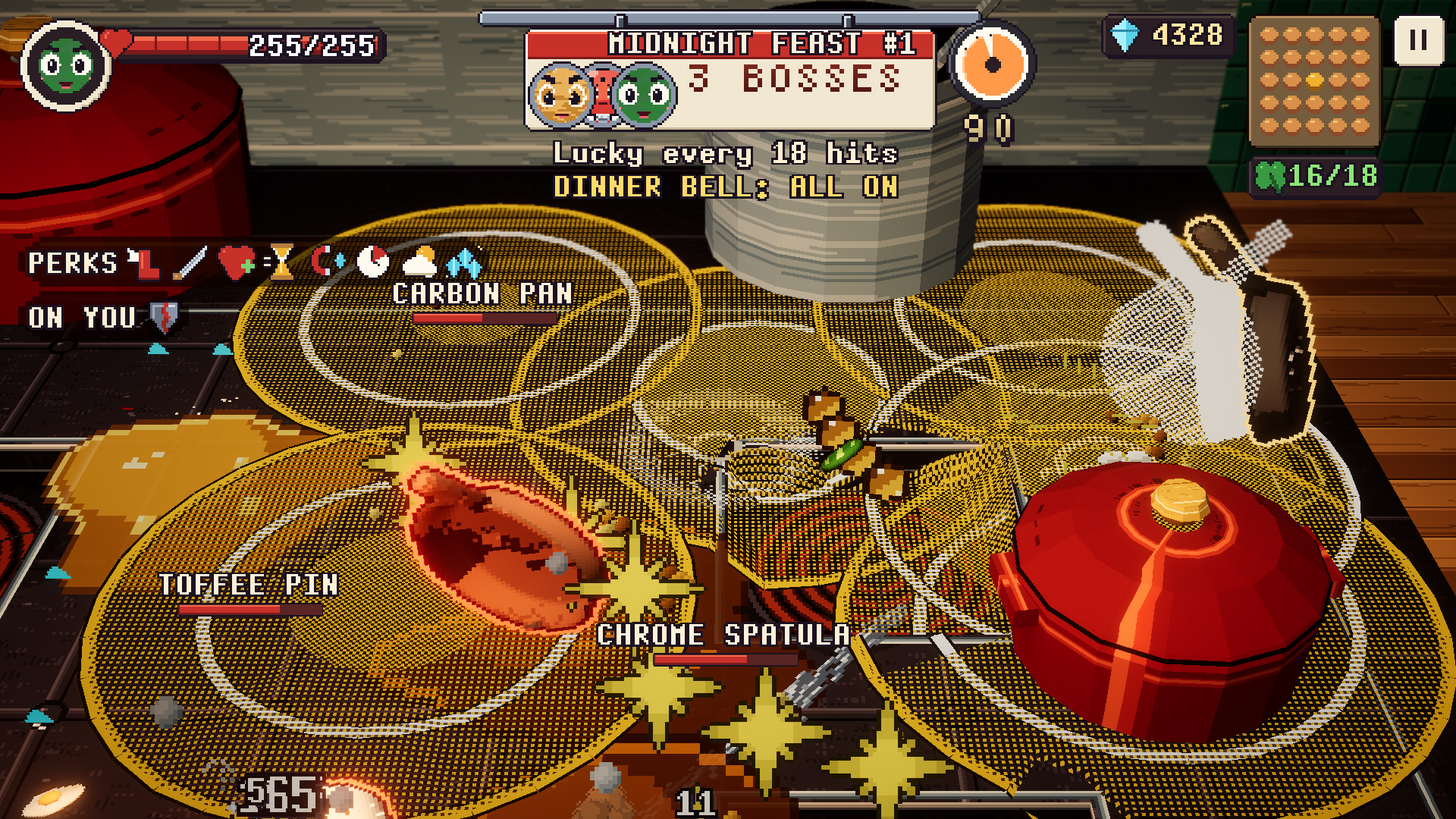
- The minutes are your lucky number. At 9:27, every 27th hit you land is much more powerful (5x-20x).
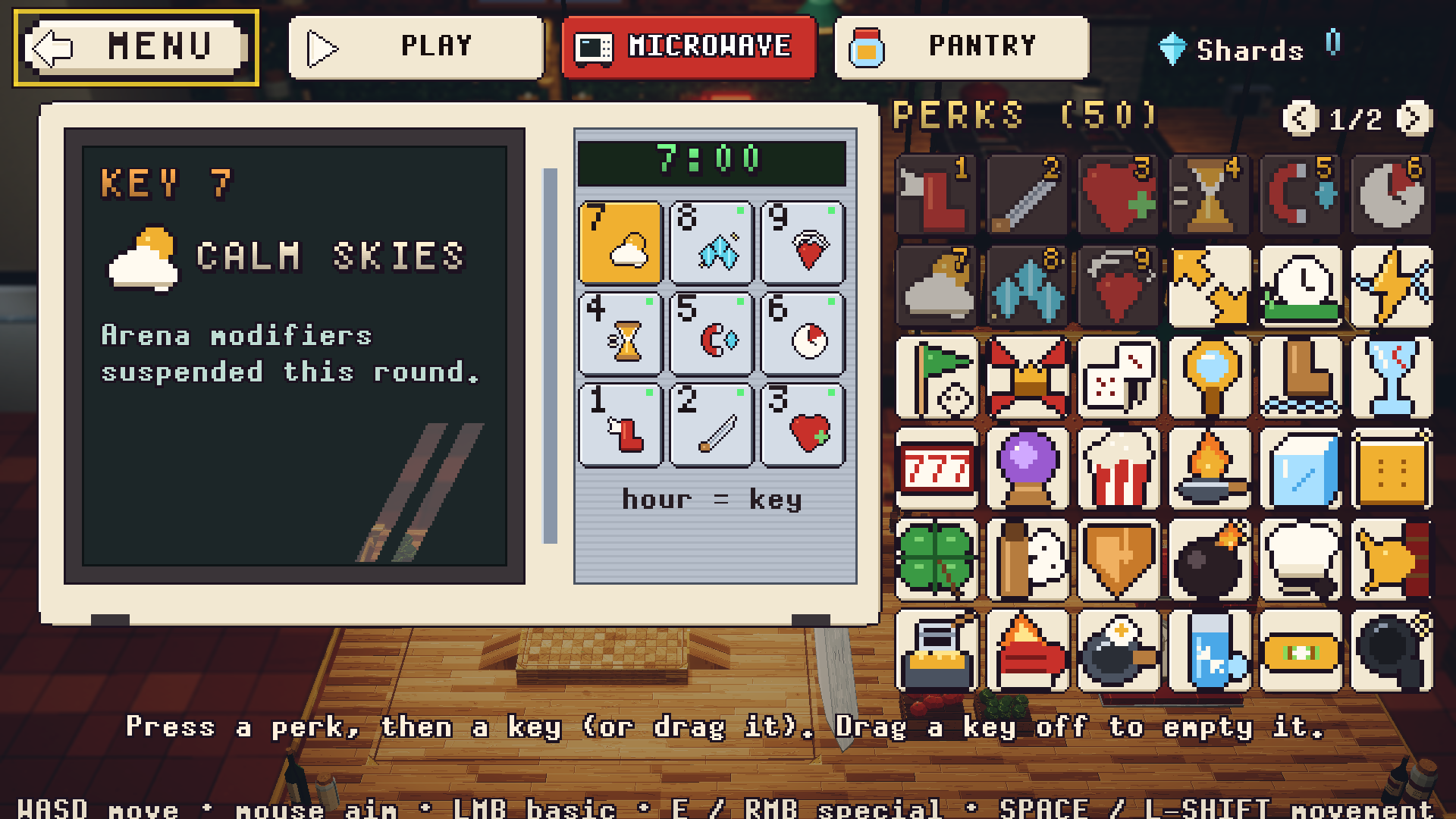
- The hour turns on a perk. Your microwave keypad holds up to nine perks, one per key. At 9 o'clock, key 9 is on. 10 and 11 o'clock are Overtime (double shards). 12 o'clock rings the Dinner Bell: every perk at once.
Same seed, same night: type a number before you start and the clock, the bosses and the cards all follow it. Share your lucky number.
How a run goes
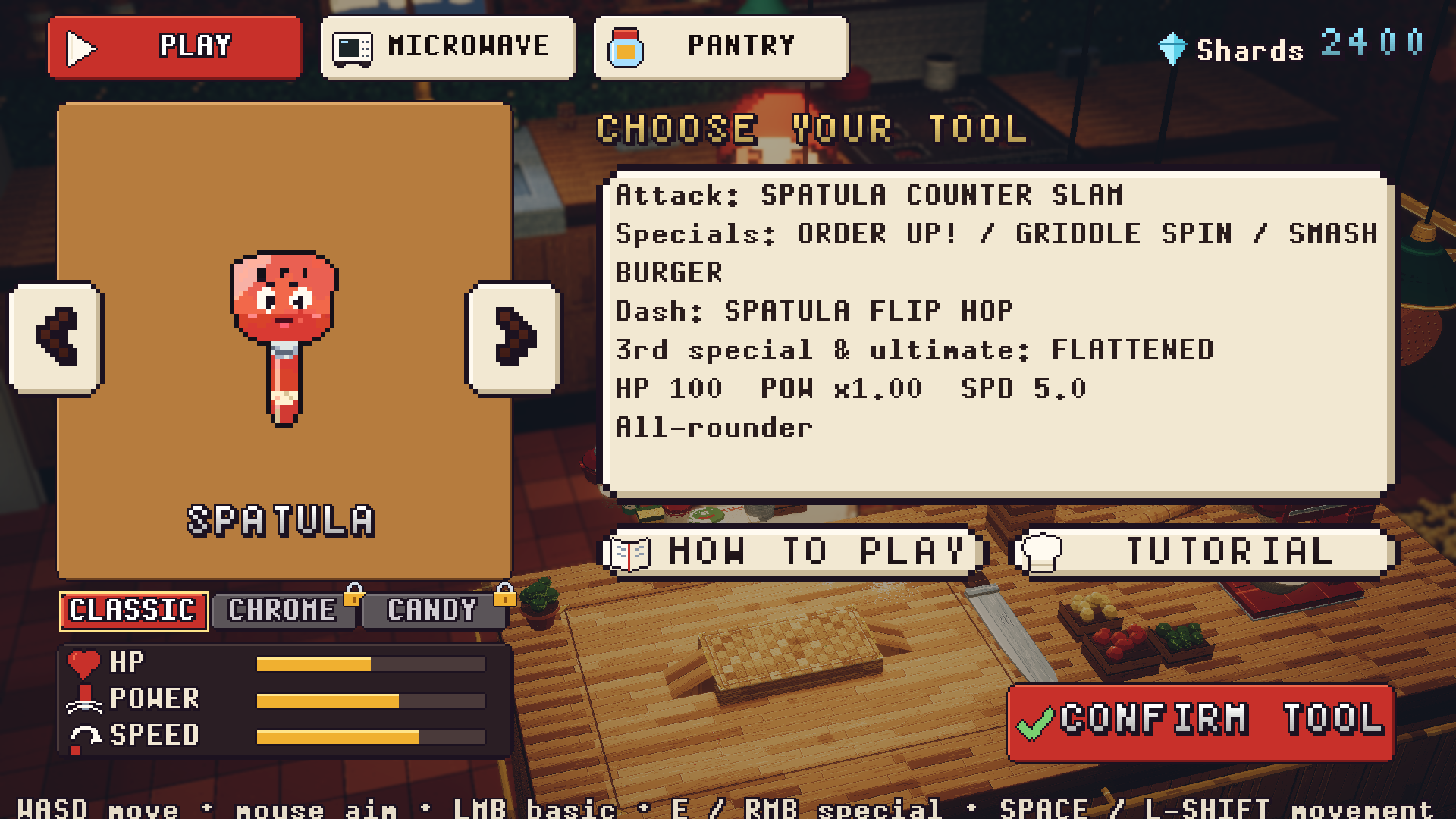
- Pick your tool and start the night.
- Beat the boss before the oven timer runs out, or survive until it rings.
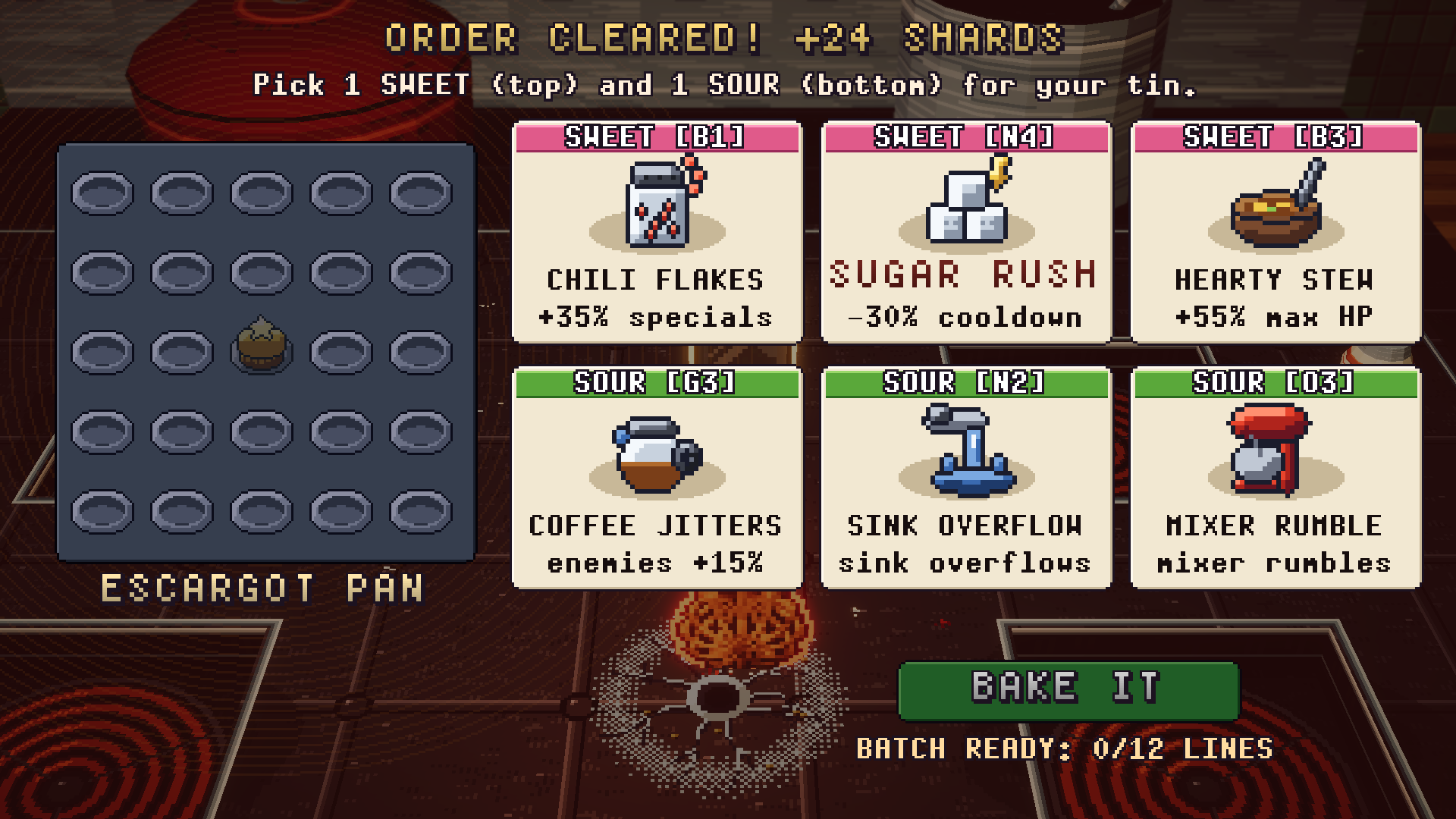
- Draft a sweet and a sour card. Each fills a cup on the run's 5x5 bingo sheet. Beat the boss and you choose; survive the timer and the oven chooses for you.
- Complete a line to bake a batch and cash out, or keep cooking for a full sheet.
- Spend shards in the pantry on perks, and on the bosses you have beaten: beat a tool once and you can buy it and play as it, along with its two skins (a Copper or a Matcha Whisk, a Damascus or a Gilded Cleaver). The first skin of each tool is tougher, the second hits harder.
Twelve orders make a run. The bosses get tougher as the night goes on. Failing to defeat the boss (or bosses) within a round's time limit will permanently reduce your health by up to 20%, scaled to their combined remaining health. Turn up the HEAT and extra bosses join in earlier.
Controls
Every key and button can be rebound: Settings > CONTROLS (keyboard and mouse, and gamepad). The defaults:
Keyboard and mouse
- Move: WASD. Aim: mouse.
- Attack: hold left click (a three-hit combo).
- Specials: E, R, F.
- Dash: Space or Shift. You can't be hurt while dashing; dash through an attack at the last moment for a bonus.
- Ultimate: G, once you have picked up a lucky clover.
- Pause: Esc.
Gamepad: left stick to move, right stick to aim, A or RT to attack, X / Y / LT for specials, B or RB to dash, LB for the ultimate.
Touch (phones and tablets, landscape): drag on the left half to move, hold the red button to attack, the round buttons for specials, the green button or a swipe to dash, the gold button for the ultimate.
Every enemy attack is marked on the floor before it lands: red is a blow, blue is something thrown, yellow leaves a hazard behind. Get out of the mark.
Tips
- New here? Press Tutorial in the hub.
- AUTO (top left in a fight) lets the bot play for you. Handy to watch how a boss moves.
- A boss at half health stops, shouts its name and marks the floor. Get clear.
Credits
- Team: Hazim Emad (design, direction, code, testing). Solo entry.
- Custom Unity Pixel Art Studio Plugin more info and showcases using it at: https://hardcorebudget.github.io/Pixel-Art-Pipeline/ .The plugin will be available soon in the Unity asset store as it's currently being reviewed.
- Generative AI (disclosed per the jam rules):
- Claude (Anthropic): game code, characters, 3D models, animation, pixel art, UI, effects, sound effects, and music.
- Gemini (Google): parts of the early game code.
- Krea 2: concept images used as references for the art.
- Gemini Nano Banana for banner and icon design ideas
- Logo and app icon: banner and icon designs, converted to pixel art in Pixel Art Studio.
- Music and sound effects: synthesized in code for the game (no samples).
- Tools: Unity 2022.3 (URP), Pixel Art Studio (Unity plugin) for the pixel art, Blender for the 3D models.
- Fonts: bitmap pixel fonts made for the game.
- No third-party store assets.
Made in seven days for the Official Unity Game Jam 2026, theme Lucky Number.
Download
Click download now to get access to the following files:
Comments
Log in with itch.io to leave a comment.
I am glad you put an auto play in, I could move around and such, but the confusion action was extra tough. It looked like a Yoda battle with the spatula jumping around.
Thank you for your feedback! I was inspired by the Gacha game called "Bleach Brave Souls" because I used to play it that way. Have auto mode on all the time and only use specials and dashes to dodge.
Game idea looks great.
Playing on my phone the touch controls were a little difficult, so i connected a gamepad, but couldnt get it to work at all. Will try this again sometime, thanks.
Thank you! I just to had to get an upload done before the deadline, and I will continuously update it with the finishing touches and bug fixes before the jam ends.